
Play Free Online Games and Challenge Your Friends on PlayTTS Games
 PLAY FREEGaming
Play Free Online Games and Challenge Your Friends on PlayTTS Games
Discover the free games on gameplay.playtts.com, learn how each mode works, and challenge your friends to beat your best score—no download or account required.
Play the game free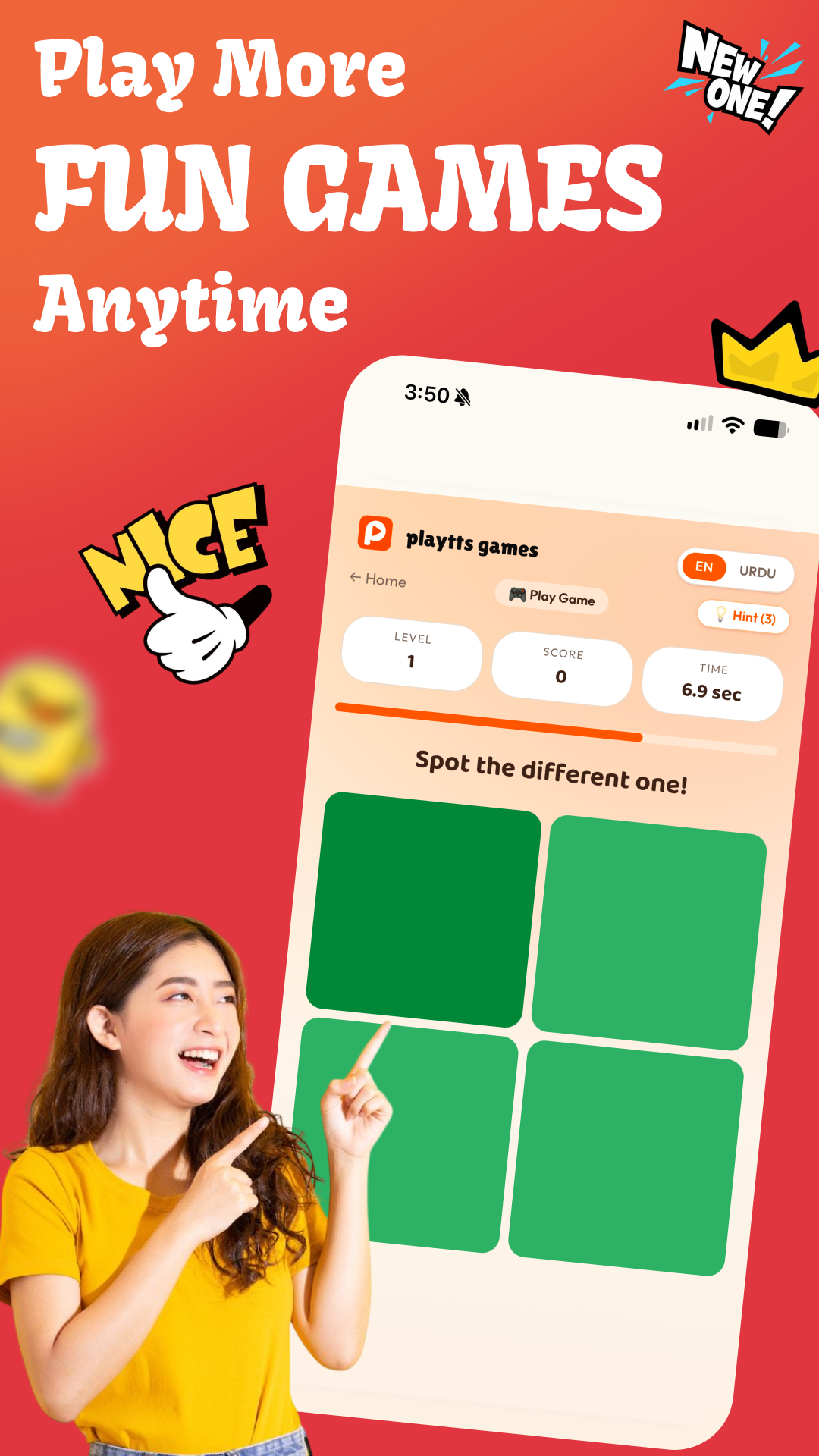
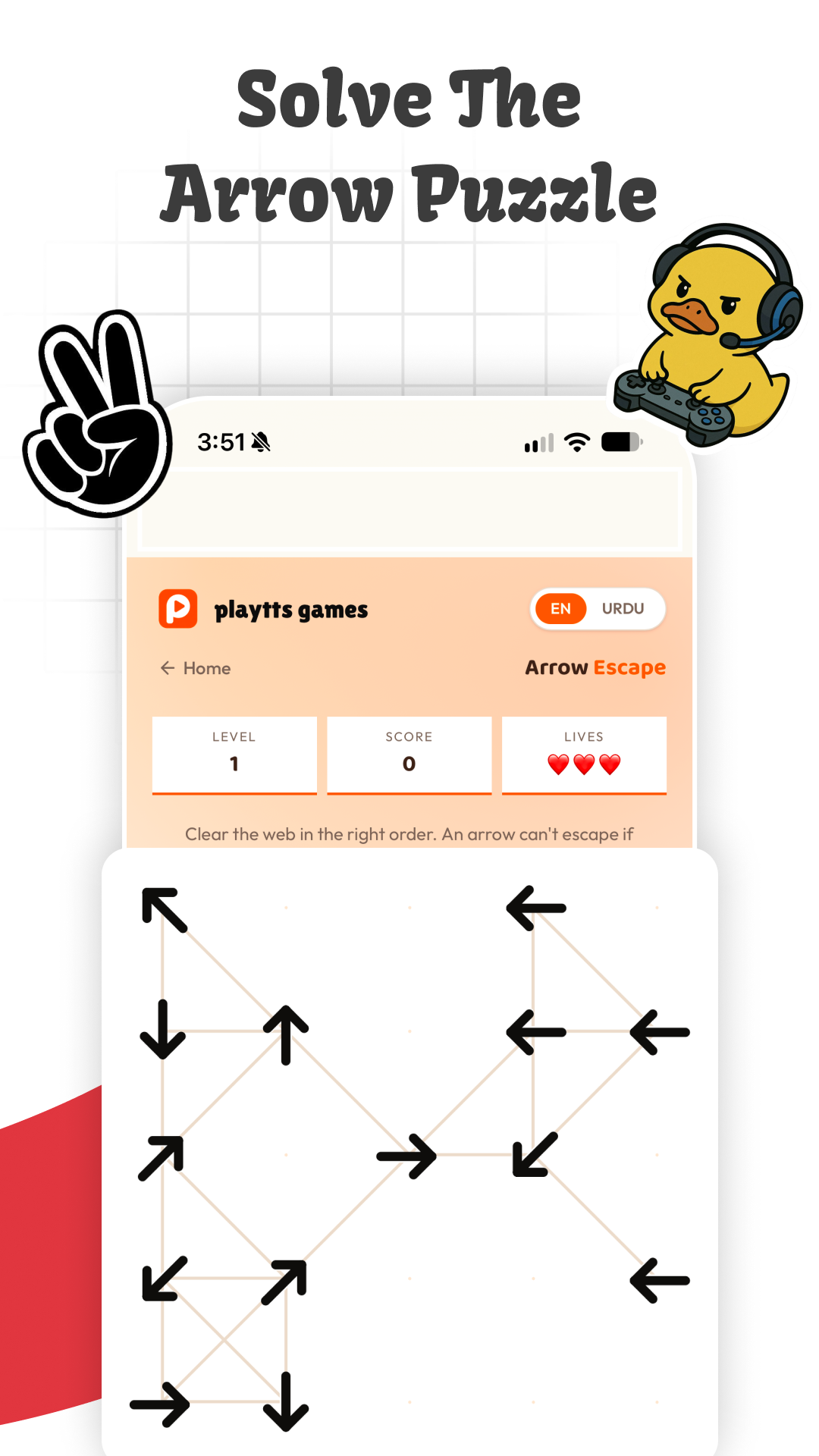
A quick game break you can share with friends
PlayTTS Games is a free collection of quick browser games made for phones and computers. There is nothing to install and no account to create. Open gameplay.playtts.com, choose English or Urdu, pick a mode, and start playing.
Each round is short enough for a break but competitive enough to replay. Your score gives you a simple target to share with a friend: send them the game link, tell them your score, and see who can beat it. The large controls and clean layout also make the games easy to play on a mobile screen.
Which games can you play?
The game hub currently includes several different challenges:
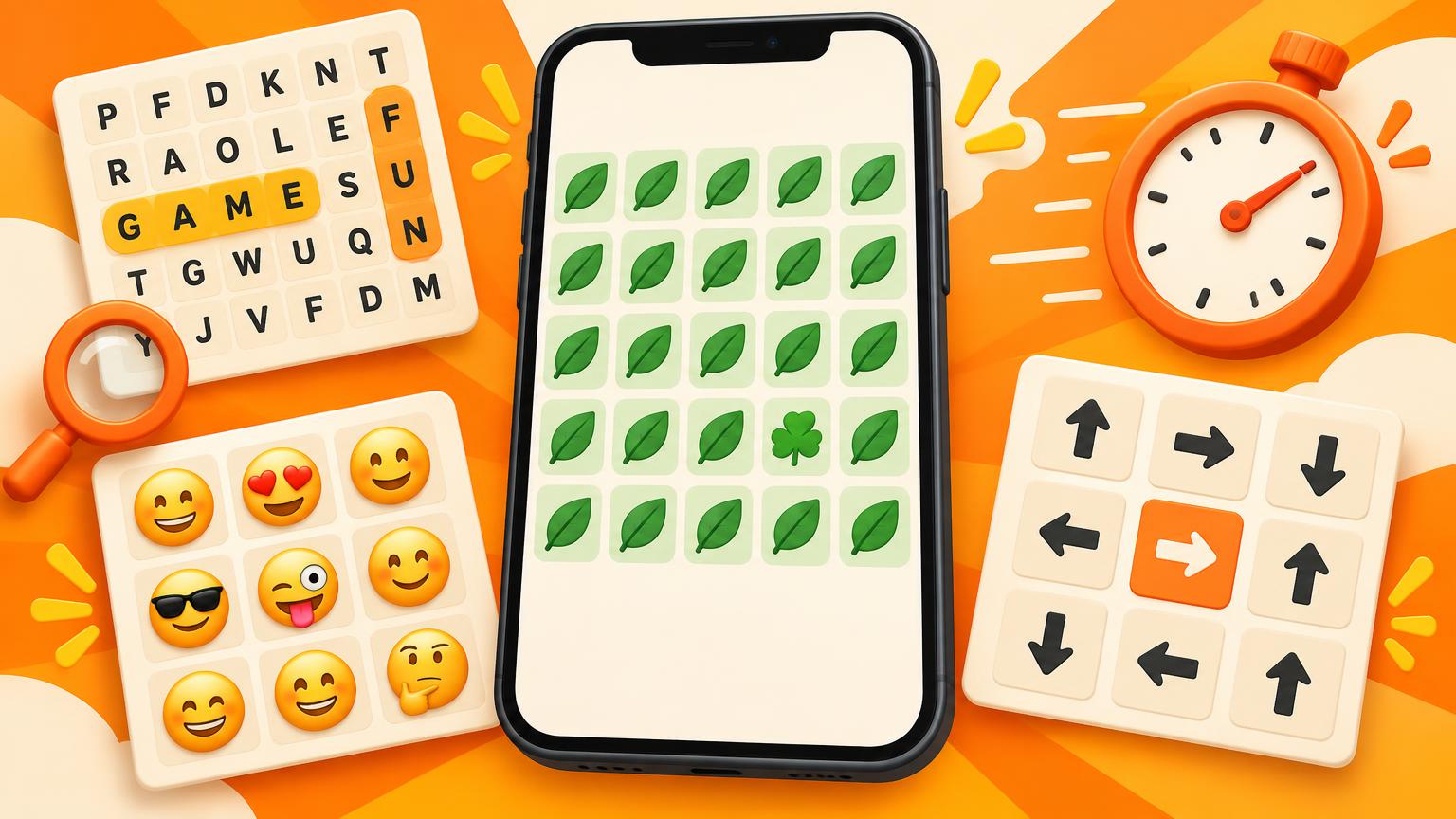
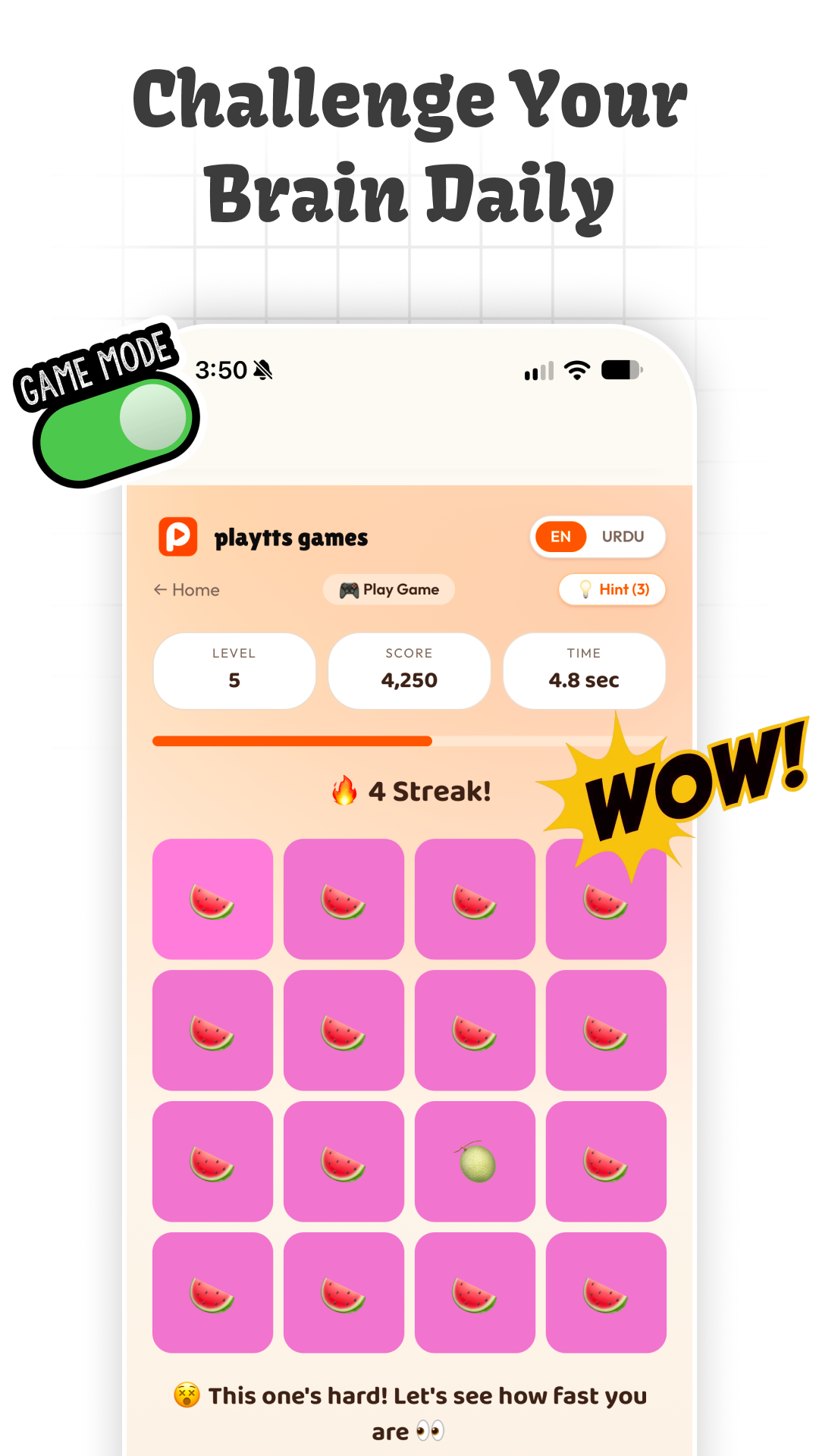
- Spot the Difference: find the tile, color, shape, or symbol that is different from the others before time runs out.
- Daily Challenge: play the featured challenge of the day and compare results with friends.
- Speed Mode: score as much as possible in 45 seconds. A correct answer can add two seconds to the clock.
- Practice Mode: play without a timer. You have three lives, making this the best place to learn the patterns.
- Emoji Mode: scan a grid of similar emojis and tap the one that is different.
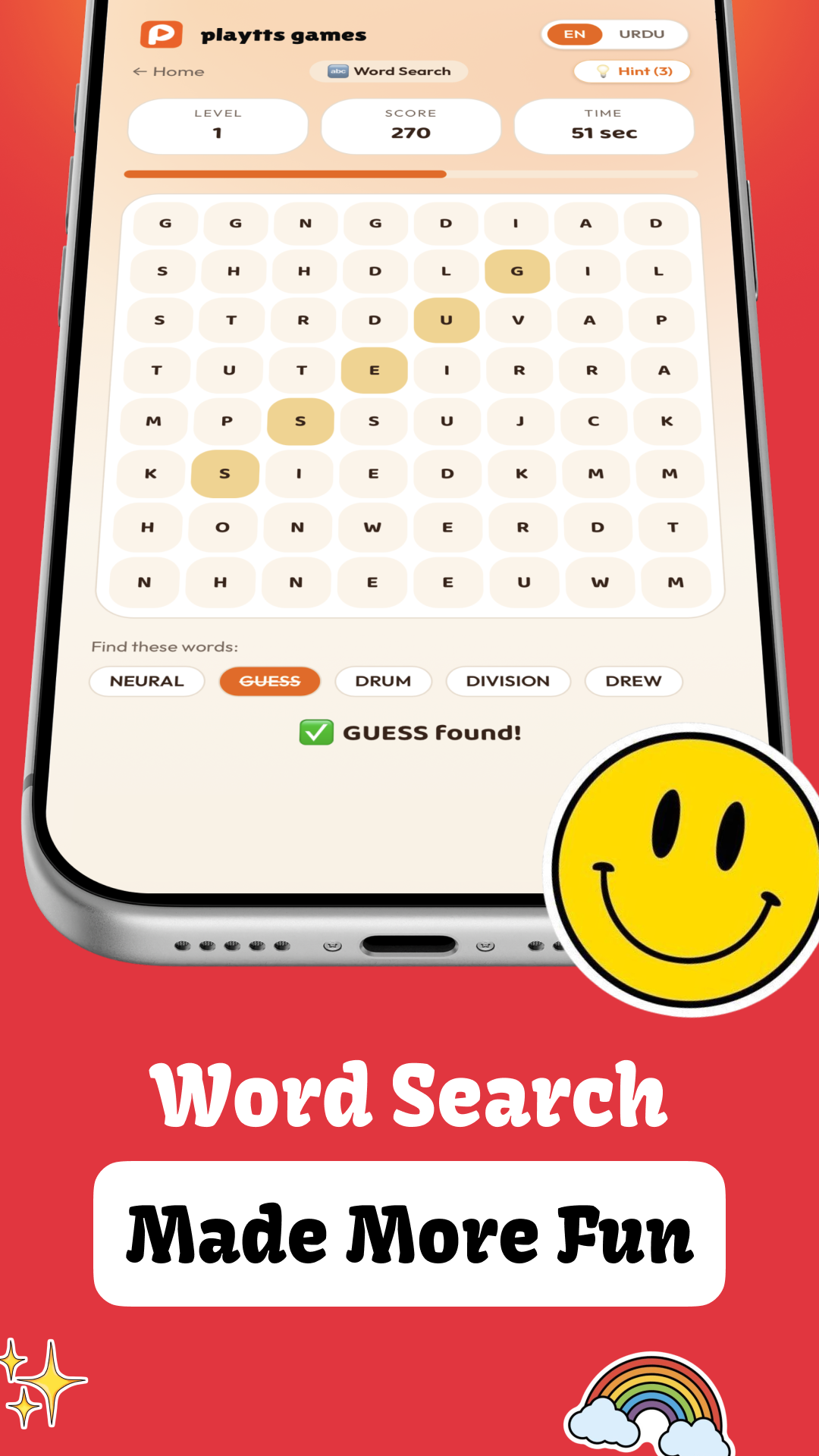
- Word Dhoondo: swipe across the letter board to find the hidden words shown below the grid.
- Arrow Escape: follow the direction puzzle and find the correct escape path.
Because every mode tests a different skill, you can switch between visual focus, vocabulary, speed, and logic rather than repeating one game.
How to play Spot the Difference
Choose Game Khelo from the home screen. A grid appears with shapes or colors that look nearly identical. One item is different. Tap it before the timer reaches zero. A correct answer moves you forward and increases your score; a wrong choice costs valuable time.
Start by looking at the whole grid instead of checking every tile one by one. Differences in color are usually easier to notice with your peripheral vision. On harder levels, compare corners, direction, spacing, and tiny shape details. If you get stuck, use one of the available hints. Watch the level, score, and timer at the top so you know when to play carefully and when to make a quick choice.
How to play Word Dhoondo
Select Word Dhoondo from the main menu. You will see a board of letters and a list of hidden words beneath it. Find a listed word in the grid, then swipe across its letters in order. Continue until every word has been found or the timer ends.
Read the target list before you begin. Search for the first letter of one word, then check horizontally, vertically, and diagonally. Longer or unusual words are often easier to spot because their letter pattern stands out. If one word is taking too long, move to another and return later with fresh eyes.
Choose the right mode
New players should begin with Practice Mode because there is no countdown pressure. Once you can spot differences reliably, switch to Speed Mode and try to improve one score at a time. Emoji Mode works well for a fast, light challenge, while Word Dhoondo rewards slower scanning and spelling skills. Daily Challenge is the easiest fair competition because everyone can attempt the same featured challenge.
For a simple friend challenge, agree on one mode and play three attempts each. Share only your best score. If there is a tie, use a different mode as the deciding round.
How to challenge a friend
Open gameplay.playtts.com and finish a round first. Note your mode and best score, then send the website link to your friend with a clear challenge such as: “I scored 18 in Speed Mode. Can you beat it in three tries?”
Use the same mode and the same number of attempts for a fair result. You can also create a mini tournament in a family or friends group: one point for winning Spot the Difference, one for Word Dhoondo, and one for Arrow Escape. The player with the most points wins the set.
Tips for a better score
Keep the phone steady and turn the screen brightness up enough to separate similar colors. Remove distractions before a timed round. In visual modes, relax your eyes and scan the complete grid first; staring at one tile for too long usually slows you down. In word search, look for rare starting letters and repeated endings.
Use hints only after a genuine attempt so you improve instead of simply advancing. Short breaks also help. After several rounds, your eyes start predicting patterns and can miss obvious differences. Pause for a minute, then return and try to beat your saved best score.
Play now—free in your browser
PlayTTS Games works directly in a modern browser on mobile or desktop. No download, registration, or payment is needed. Visit gameplay.playtts.com, select a game, and send the same link to a friend when you are ready to challenge them. New modes can be added over time, so check the game menu again when you return.
More in Gaming
 $30/DAYFreelancing
How to Make $30 a Day With Assignment Work
How to Make $30 a Day With Assignment Work: A Real Step-by-Step Guide
A practical, no-hype guide to earning around $30 a day doing legitimate academic support work — tutoring, note-making, formatting, editing and research summaries — including where to find clients, what to charge, and how long it actually takes.
 UK ACCOUNTTikTok
How to Create a UK TikTok Account and Earn From It While Living in Pakistan (Free Guide)
How to Create a UK TikTok Account and Earn From It While Living in Pakistan (Free Guide)
A clear, honest walkthrough of how a UK-region TikTok account actually works, what you can and cannot do from Pakistan, which monetisation options are realistically open to you, and how to get paid — with zero paid tools.
 TIKTOKSocial Media
Faceless TikTok Brands
Faceless TikTok Brands: The Silent Revenue Machine
Unlock a steady income stream with faceless TikTok brands, leveraging creativity and strategy to build a revenue machine without showing your face.