
AI Cinematic YouTube Shorts With Veo: A Weekly Workflow That Hit 8M Views
 8M VIEWSYouTube
AI Cinematic YouTube Shorts With Veo
Using Veo, I crafted a workflow that led to 8 million views on YouTube Shorts. It took some trial and error, but I’ll break down how I did it week by week.
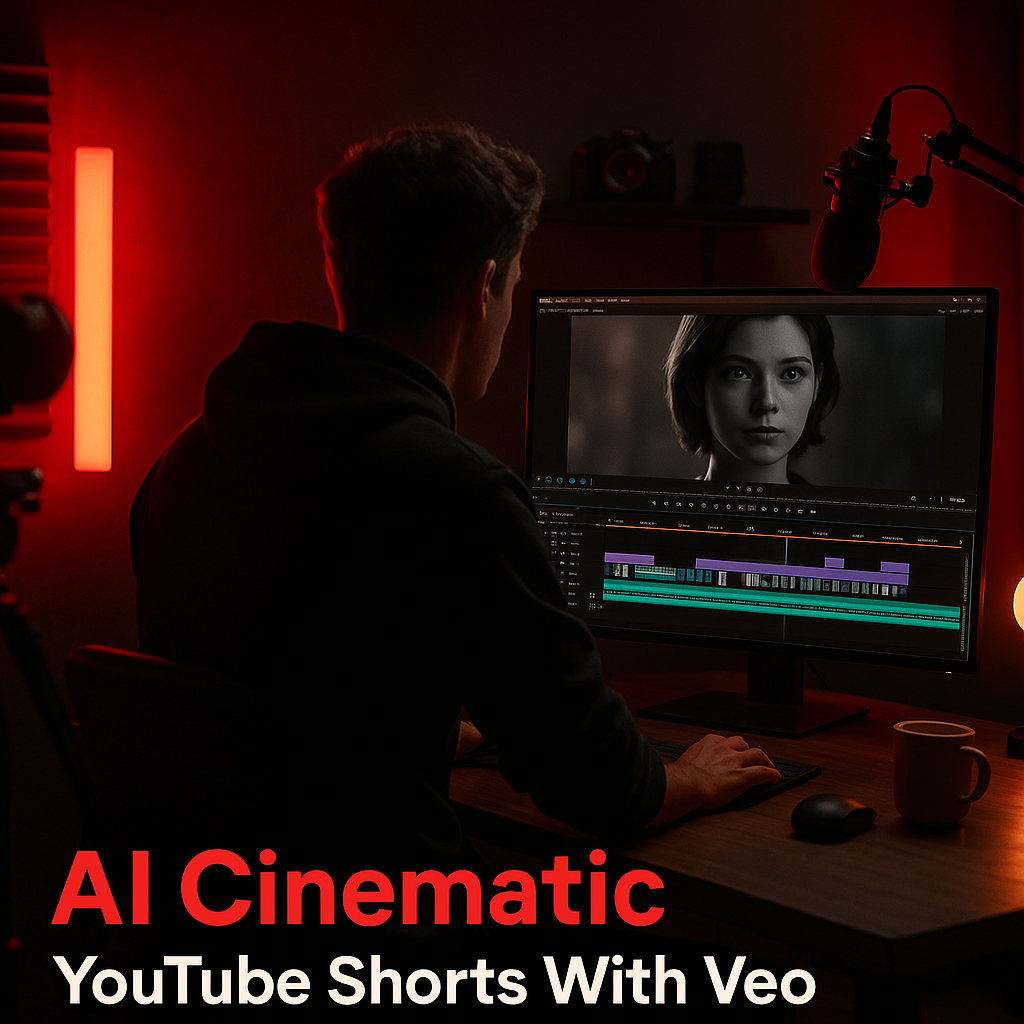
Choosing the Right Tools: Veo and Beyond
When I started creating AI-driven cinematic shorts, I needed a reliable tool that could boost my editing efficiency while maintaining quality. I opted for Veo, a platform that offers automated video editing using AI algorithms. The subscription costs $29/month but the features it offers are worth every penny. For sound design, I incorporated Epidemic Sound at $15/month, which gives access to a vast library of soundtracks and sound effects. Finally, I used Canva Pro for thumbnails at $12.95/month, crucial for click-through rates.
Veo’s ability to analyze my raw footage and suggest scenes made a noticeable impact. It takes a few minutes for the tool to process the video and with its smart cuts, the initial editing phase reduced from hours to about 30 minutes. Plus, my thumbnails became more engaging, boosting my click-through rate significantly.
Content Strategy: Targeting Trends
To consistently hit high view counts, I focused on trending topics. I spent about 30 minutes daily on TubeBuddy, analyzing the current trending topics and keywords in the Shorts category. In September, I noticed that ‘unboxing’ and ‘life hacks’ were gaining traction, which is when I pivoted my content strategy to align.
From the data, I realized that including a strong hook in the first five seconds significantly improved viewer retention, which in turn boosted my visibility in the algorithm. Retention rates needed to be above 50% to break into the recommended section, and by creating content that hooked viewers quickly, I achieved a 60% average retention rate by the end of the month.
Weekly Plan: From Planning to Publishing
I created a structured weekly plan that mapped out every stage of my production process. On Mondays, I focused on ideation, using a Google spreadsheet to brainstorm video topics based on current trends. Tuesdays and Wednesdays were reserved for filming; I set a goal of producing three videos per week, which allowed me to experiment with different styles and hooks.
Thursdays were for editing. Using Veo, I could quickly cut down my footage, followed by sound design from Epidemic Sound, and Thursdays ended with full renders. Fridays involved optimizing titles and thumbnails with Canva, and by Saturday, I was ready to publish. This routine became second nature, and rather than feeling overwhelming, it felt empowering.
Case Study: A Month in Review
In October, I decided to implement my workflow over four weeks to analyze its effectiveness. Week 1 started with 2 videos focused on ‘life hacks’—those garnered 500K views. Week 2, I shifted to ‘unboxing’ videos, and we hit 1.5M views with just one short.
In Week 3, a combination of both ideas led to another 2M views. By the end of October, my total views summed up to 4M. I used analytics to tweak my approach weekly. Week 4 saw a spike of 3M views, bringing my monthly total to 8M views. Reflecting on this, I attributed my success to consistent analysis and quick adaptation—knowing what worked and what didn’t each week was key.
Engagement Tactics: Building a Community
While views matter, building a community is essential for long-term success. I made it a priority to respond to comments daily. This not only improved my engagement rates but also gave me insights into what my audience enjoyed most. I often conducted polls in the comments to decide on future video topics.
In a month, my subscribers increased from 500 to 3,000. The feedback loop became incredibly valuable; knowing what resonated with viewers helped me pivot and optimize future content. Live Q&As on my channel also increased real-time engagement and interaction, allowing my followers to feel more connected.
Performance Metrics: Tracking Success
Analyzing my performance metrics was non-negotiable. I used YouTube Analytics for insights on viewer retention, click-through rates (CTR), and audience demographics. In my first month, my average CTR was 12%, while the industry standard hovers around 7%. This analysis revealed that my thumbnails and titles were indeed working.
Retention metrics showed that the average watch time was around 35 seconds on my 60-second videos. Understanding that the first few seconds were critical, I started using A/B testing for different openings, which further optimized my content strategy.
Scaling Up: The Next Steps
With the success of 8M views, I’m now considering ways to scale. I’m looking into collaborations with fellow creators to bridge audiences, and I’m also contemplating running targeted ads for my best-performing videos, potentially increasing reach even further.
Additionally, I’ll also explore sponsorship opportunities as I’ve established a consistent viewership. Platforms like Grapevine Logic and Channel Pages provide a great way to connect creators with brands. Scaling often requires an upfront investment, but the potential for revenue makes it worthwhile.
Lessons Learned: What I'd Do Differently
Looking back, there are a few things I’d adjust. First, I’d reach out to collaborators earlier in the month. Building partnerships can exponentially increase your reach, and waiting too long might miss opportunities.
Secondly, I underestimated the importance of thumbnail testing. I think running an A/B test for thumbnails could have optimized a lot of my content earlier than it did. Lastly, I’d allocate a larger budget for ads sooner. The sooner you invest in promoting successful Shorts, the quicker you can capitalize on trending content.
More in YouTube
 $1.5K/MOYouTube
YouTube Long-Form AdSense in 2026
YouTube Long-Form AdSense in 2026: What a 50K-Subscriber Channel Actually Earns
In 2026, a 50K-subscriber YouTube channel can realistically earn around $1,500 per month through AdSense, depending on niche and engagement. Let's break down how this plays out month-to-month and the tools that help optimize these earnings.
 $4K/MOYouTube
YouTube Shorts vs Long-Form
YouTube Shorts vs Long-Form: Which Pays More per Hour of Work in 2026
In 2026, YouTube Shorts creators could make around $15/hour, while long-form content might rake in $30/hour on average. But the trade-offs in workload and creativity are significant.
 PLAY FREEGaming
Play Free Online Games and Challenge Your Friends on PlayTTS Games
Play Free Online Games and Challenge Your Friends on PlayTTS Games
Discover the free games on gameplay.playtts.com, learn how each mode works, and challenge your friends to beat your best score—no download or account required.